
Guides
BeaterCore guides for the first hour, controls, career, garage, field repair, money, tracks, tuning, and split-screen.
View all GuidesGarage repair, career events, and split-screen racing for rusty project cars.
Unofficial BeaterCore wiki for garage repair, field fixes, career events, tire picks, and split-screen racing tips.
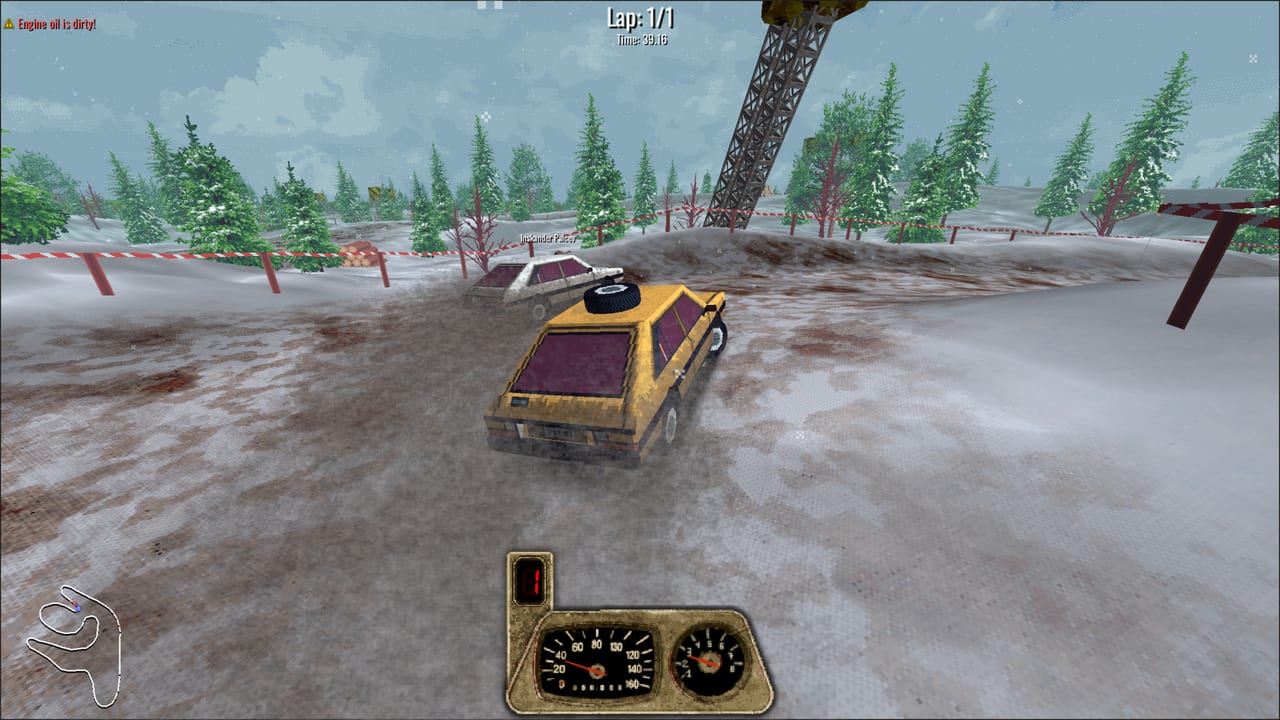
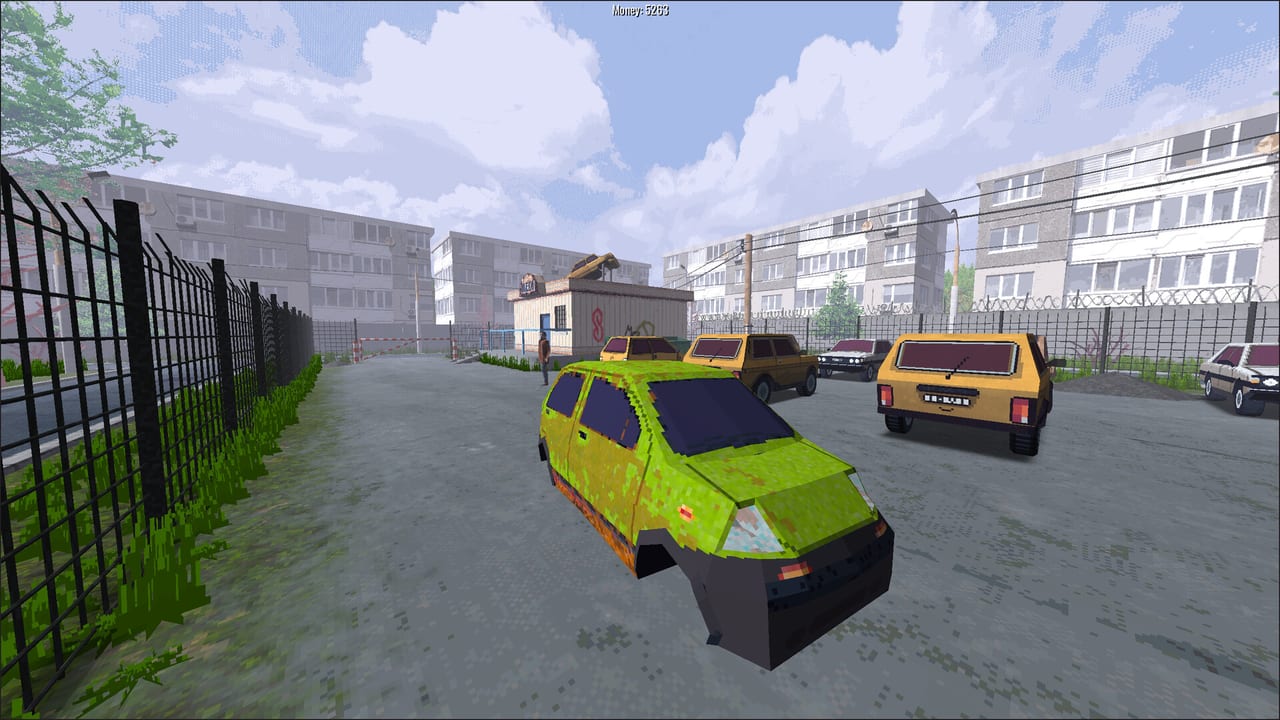
BeaterCore is an arcade racing game about cheap rusty project cars, not showroom supercars. You buy a beater, wrench it in first person, pack a tiny trunk, and take the same worn parts into career events and online races. Start with the getting started walkthrough, learn keyboard and pad bindings, then keep the car alive with garage repair and field repair. Spend cash in money and the parts store, read tracks and seasons before you book ice, and fix stick drift in settings. Rank your loadout on the parts tier list and track patch notes.
BeaterCore guides for the first hour, controls, career, garage, field repair, money, tracks, tuning, and split-screen.
View all GuidesBeaterCore tier lists for repair jobs, tire choices, event types, and trunk loadouts after the Steam launch week.
View all Tier ListBeaterCore tools for system requirements, render scale, analog deadzone, workshop mods, and the in-game map editor.
View all ToolsBeaterCore updates hub: Steam launch notes, demo patches from 0.0.16 to 0.3.0, mods, wear tweaks, and prologue changes.
View all UpdatesBeaterCore characters and NPCs: Boris, sponsorship pitches, quests, and why relationships unlock extra career work.
View all CharactersOfficial BeaterCore links: Steam store, itch.io, Discord, VK, and developer socials for patches, mods, and support.
View all LinksComplete the story prologue instead of skipping the first wrenching lesson. Walk up to the starter beater, learn interact, and follow the getting started guide before you spend cash at the auto parts store.
Open the properties menu next to throttle and steering if a pad drifts. Keyboard is fully supported. See the controls guide for walk, drive, map pan, and trunk cycling.
A worn tutorial tire will strand you. Keep one spare that auto-mounts on a race reset, then read garage repair so you are not paying full price twice.
Career events run multiple stages with field repair in between. Space is limited — oil, plugs, and a jack beat decorative junk. Spend the payout using the money and store order, not a second car.
Learn the surface in a cleaner event before you trade paint. The career walkthrough explains event flow, rewards, and when to rest a day.
Quick answers to the most common BeaterCore questions.
Read the getting started walkthrough, set controls, then pack a field-repair trunk before the first three-race event.
No. BeaterCore is a paid Steam and itch.io racing game by Artem Arbatsky (The HellBox), launched 9 September 2026 for Windows and Linux.
Yes. Local split-screen supports up to four players with full keyboard support, plus online and LAN races where parts still wear. See the multiplayer guide.
English, Spanish, Italian, and Polish, matching Steam minus Russian. The game also lists Russian on the store page; this wiki does not.
Minimum is Windows 10, 4 GB RAM, an Nvidia GT640-class GPU, 500 MB of space, and OpenGL 3.3. Full details are on the system requirements page.
BeaterCore is a premium purchase, not a Roblox experience with redeem codes. Spend in-game cash at the auto parts store and watch patch notes for balance changes.
Start with the getting started guide, pack a smarter field-repair trunk, then compare car priorities before the next event.
Start with the beginner guide