
BeaterCore Tools
Specs, settings, mods, and editor notes that keep races playable.
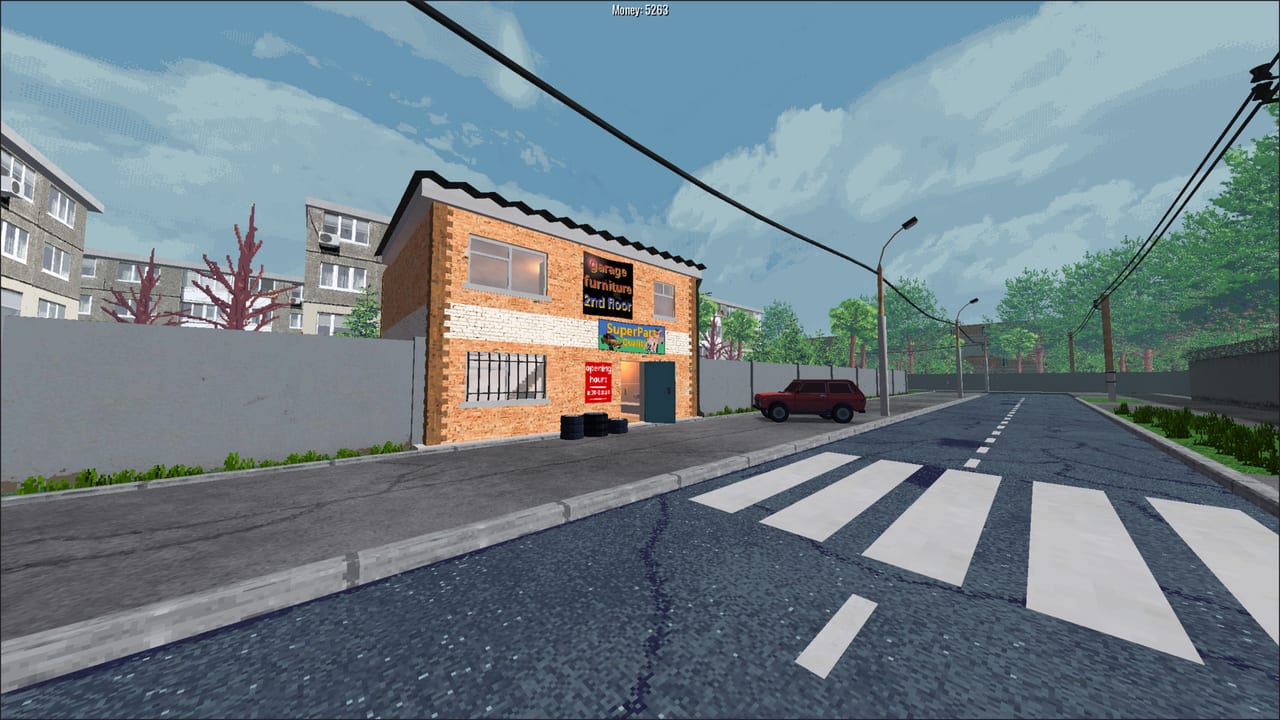
BeaterCore is a small install with a large map. The Steam store lists about 500 MB of space, OpenGL 3.3, and a GPU as old as an Nvidia GT640, but dust, rocks, and custom tracks still need the right settings. This hub is the practical toolkit: can your PC run it, which sliders matter, and how mods and the editor fit after 0.3.0.
Start with system requirements if you are on Intel HD, a Linux box, or a laptop that already struggles in the garage. Open settings and deadzone if a pad steers itself or the lot hitchs. Then open mods and the editor if you want community circuits or the draw-brush map tools that shipped with official mod support.
Settings that behave like tools
You do not need a third-party overlay to fix the two complaints that show up in discussions:
- Analog drift. There is a properties menu next to throttle, brakes, and steering for deadzone and linearity. Players who missed the tiny button thought the game had no deadzone. It does. Pair this with the controls guide.
- Frame time on weak GPUs. Render scaling landed during the demo. Light quality settings arrived with the 0.3.0 engine pass. If particles and rocks tank the garage, drop those before you uninstall.
Treat those sliders as part of this tools section. They are how a 500 MB racing game stays honest on old calculators, which is a stated goal of the developer.
Specs in one place
Windows 10 64-bit, 4 GB RAM, Nvidia GT640-class graphics, 500 MB storage, OpenGL 3.3. Linux has the same GPU and RAM floor. There is no bloated recommended spec because the art is PSX-inspired low poly. That does not mean a 2013 iGPU will love a 1 km track at full terrain detail — the developer wrote about LOD cuts that doubled FPS on Intel HD. If you still hitch, the system requirements page lists what to toggle first.
Steam Deck compatibility is listed as unknown on the store page. Do not assume a verified rating. Keyboard-first play and a tiny install help, but analog deadzone and render scale are the first things to test on handheld hardware.
Mods, workshop, and the editor
Version 0.3.0 added a real mod manager in settings. Multiplayer servers check compatibility and can enable required mods. Steam Workshop is listed on the full Steam product (the demo did not use Workshop; Discord was the early distribution channel). The in-game editor gained rotatable draw brushes, clickable draw-mode icons, and independent brush intensity. A map editor button lives on the hub with a creation menu.
If you only want to race official tracks, you can ignore mods. If you join a community lobby, read mods so you are not the one blocking the server check. Replays also changed format in 0.3.0 — old replay files from the demo era may not open. That is a tools issue as much as a patch issue; keep patch notes nearby.
What this hub is not
This is not a Roblox script page and not a redeem-code tracker. BeaterCore is a paid Steam game. The useful “tools” are settings, specs, and workshop hygiene. For play advice, go back to guides. For what to buy, use the parts tier list. For people and sponsors, use characters.
Keep official links bookmarked if you need the Discord where early mods still circulate, or the itch.io builds that lag or lead the Steam branch depending on the week.
Frequently Asked Questions
Quick answers to the most common BeaterCore questions.
Can a low-end PC run BeaterCore?
Often yes. Minimum is GT640-class, 4 GB RAM, OpenGL 3.3, and 500 MB. Use render scale and light quality first — see system requirements.
Where is the stick deadzone setting?
In the properties menu beside analog actions such as throttle and steering. The controls guide shows why it is easy to miss.
Does the Steam release support Workshop mods?
The Steam product lists Workshop and a level editor. Demo builds used Discord plus an in-game mod manager from 0.3.0. Details live on mods.