
BeaterCore Tracks, Map, and Seasons
The ground is the other opponent. Pan the hub before you book.
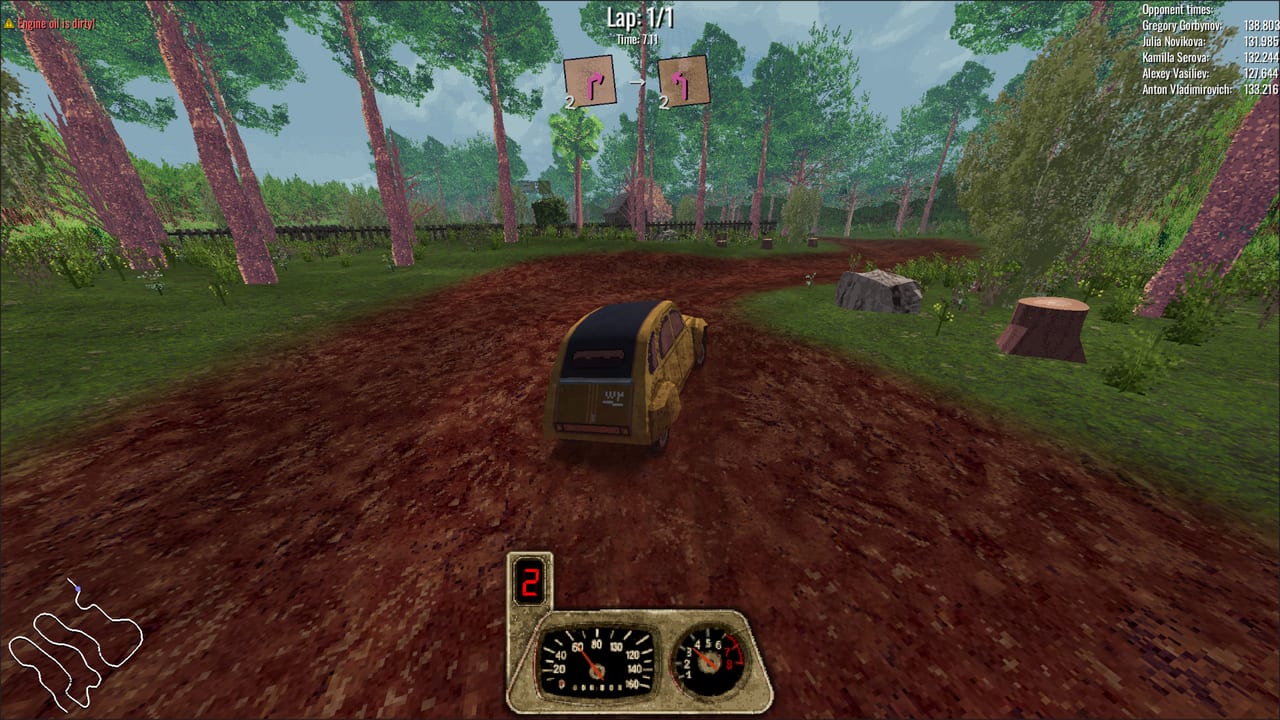
BeaterCore is not one circuit on a loop. Launch reviews talk about a map so full of races it is hard to wrap your head around. Surfaces change. Holes exist. Ice is not a filter. This page is how to read the hub map, pick an event type, and stop treating autumn dirt like a dry time trial.
Pair it with tuning for rubber and with career for the calendar. A pretty lap on the wrong tire is still a tow.
The hub is a place, not a list
After the garage, you are on a 3D lot. Middle mouse pans the event map. That bind is the difference between finding the track and walking in circles — controls lists it because people miss it.
Event selection UI improved in the 0.0.20-era demo: clearer stages, sliders that show numbers. Track previews later gained water, rocks, and a 3D field-repair icon. If the preview shows a wrench in the dirt, pack the field-repair trunk before you confirm. That icon is not decoration.
The current day of the week sits in the hub UI. Rest skips a day when the store lacks a part or you need the season to move. Use rest. Booking ice on summer rubber because you are impatient is a money problem you chose.
Event types on the map
Time trials are the classroom. Fewer paint trades, same potholes. Book these until you can finish three heats without a tow.
Contact races are the exam. Crash wear is faster than clean wear. Split “Contact Race: 1400” into separate events during 0.0.14; names move, the idea stays. Do not take contact on a bald set.
Many bookings run three races with a repair window between heats. Heat one is information: which corner dies, which hole repeats. Heat two spends whatever you failed to pack. Heat three is the paycheck. The map does not reset your car between those heats.
Difficulty prompts (easy versus normal) appear at the start. There is no shame in easy while you learn interact. Playtests that picked “professional” still found the tutorial cannon.
Seasons are loadout, not wallpaper
Official copy is blunt: experience tracks across different times of year. Prepare for icy winter or enjoy autumn color. That sentence is a tire invoice.
- Winter / ice — high-grip cold rubber first. Arcade steering still lets you throw the car; ice turns that throw into a spin.
- Autumn / dirt — sidewall that survives ruts and kicked rocks. Dust is abrasion, not only pretty particles from 0.0.16.
- Holes and mixed lots — something that can take a rim shot. One pothole turns a heat into a field-repair exam.
- Dry, clean trial — the cheapest tire that still has tread. Do not spend winter money here.
Read the preview. Later builds scatter 3D rocks on terrain. Those rocks eat sidewalls and also cost frames on old GPUs — system requirements if the lot hitchs when you pan.
Custom tracks are still ground
Steam Workshop and the in-game editor can invent circuits the career calendar never showed you. Treat an unknown custom as dirt-plus-holes until you learn it. Pack a roof spare. If the lobby requires a pack, read mods so you can actually load the map.
Night campaign events and a split-screen night toggle were discussed as follow-ups during development. Do not assume they are in every launch build. If your copy has a night checkbox, treat it as visibility tax, not a graphics filter.
A map habit that wins weeks
- Pan the hub. Find the store and the next event.
- Read season and surface on the preview.
- Look for the field-repair icon.
- Fit tires at home, not in the panic window.
- Book time trial before contact.
- Rest if the rubber you need is not in stock.
The map is how BeaterCore hides a large game in a 500 MB install. Learn to pan it. Then go wrench. The spare on the roof still matters more than the prettiest autumn screenshot.
Frequently Asked Questions
Quick answers to the most common BeaterCore questions.
How do I move the BeaterCore map?
Middle mouse pans the hub event map. If you cannot find the store or the track, you are probably clicking instead of panning. See controls.
Do seasons change handling?
Yes. Ice and dirt change which tires are honest. Pair this page with tuning.
What is the field-repair icon on the track preview?
A warning that you will wrench between heats. Pack the field-repair trunk before you confirm the booking.
Should I start with contact races?
No. Learn the surface in a time trial, then take contact once a roof spare and oil are packed.